New Features and Enhancements
In this section, you'll find updates to existing features as well as brand-new functionality.
Agenda Item Notification Setting
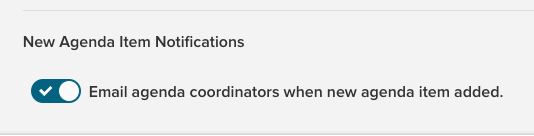
Peak now gives you the option to send notifications to Agenda Coordinators when agenda items are added to an agenda. When the setting is on, any time an agenda item is created, given a meeting body and date, and added to an agenda section, all users with the Agenda Coordinator role will receive an email notification. We've added a New Agenda Item Notifications section to the Site Settings page to allow Admins to control this notification. Navigate to
Admin >
Peak Configuration >
Site Settings and click the
Email agenda coordinators when new agenda item added toggle switch to turn the feature off and on. By default, the notification setting will be set to
On.
Concurrent Editing Notification
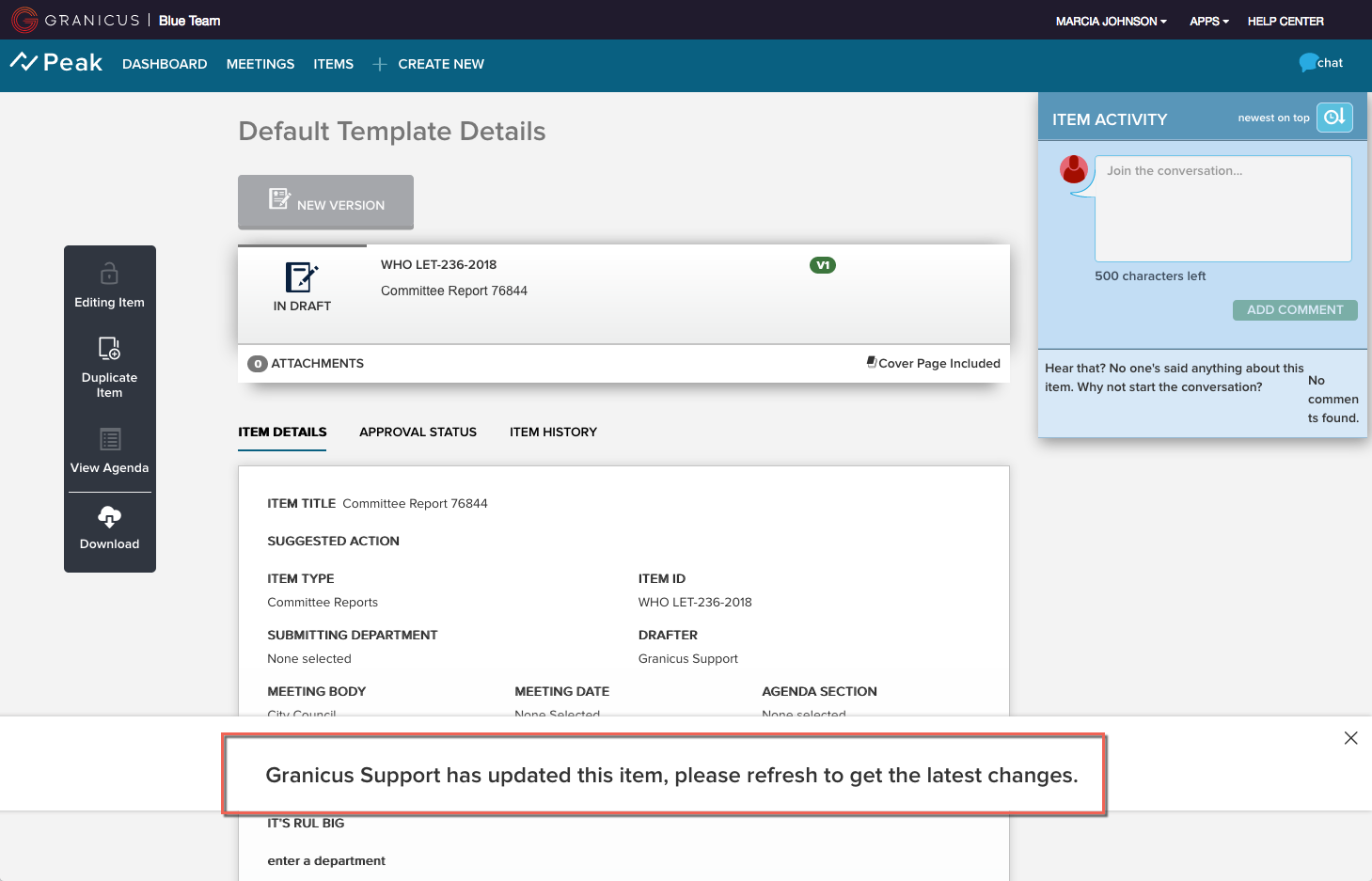
We've added a notification to prevent changes being lost when more than one user is editing at once. If you're viewing or working on a page and another user makes changes to and saves that page, you'll see a notification asking you to refresh. Once you've refreshed, you'll see the latest changes and will be able to add your own and save. Note: This feature will not be enabled for clients on Canadian domains.
This notification for concurrent editing applies to the following pages:
- Agenda Item Details
- Agenda Details
Simple Item Search Update
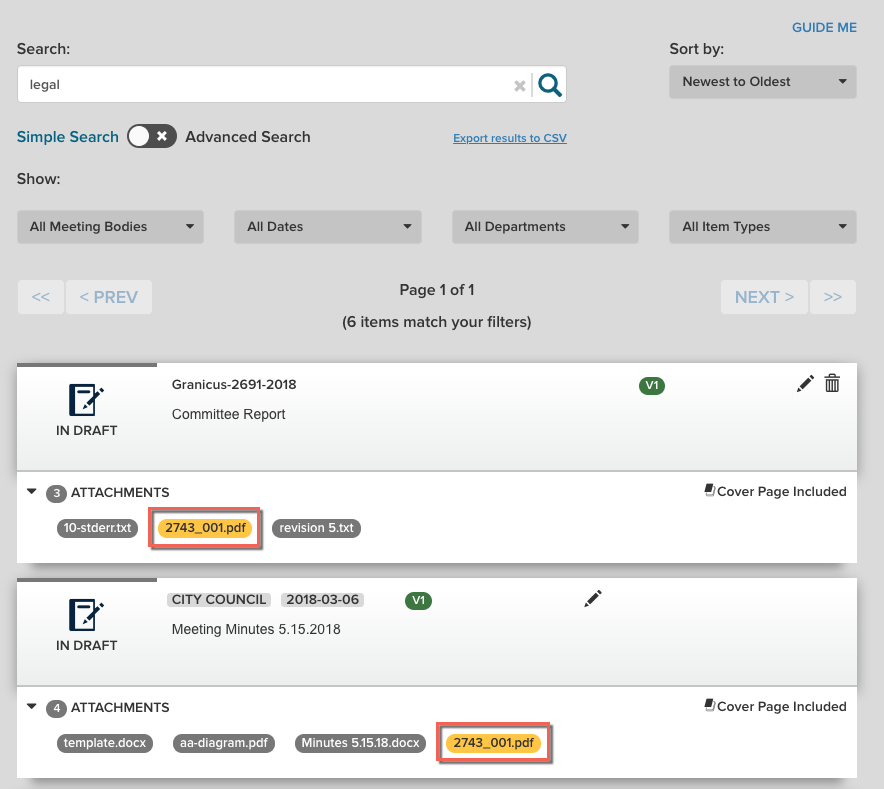
The Simple Search on the items index page now includes item attachment text. When you perform a simple search using the search bar, your results will display matches to text within item attachments, and attachments that include the search query will be highlighted on the item cards. Previously, these results were included only Advanced Search.
Note: The search bar functionality previously returned search results with every key press. You'll now have to click the
search icon on the right-hand side of the field to get results. You can remove the query by clicking the
x within the search bar or by backspacing on your keyboard until the field is empty.
Send Current Approvers an Approval Reminder
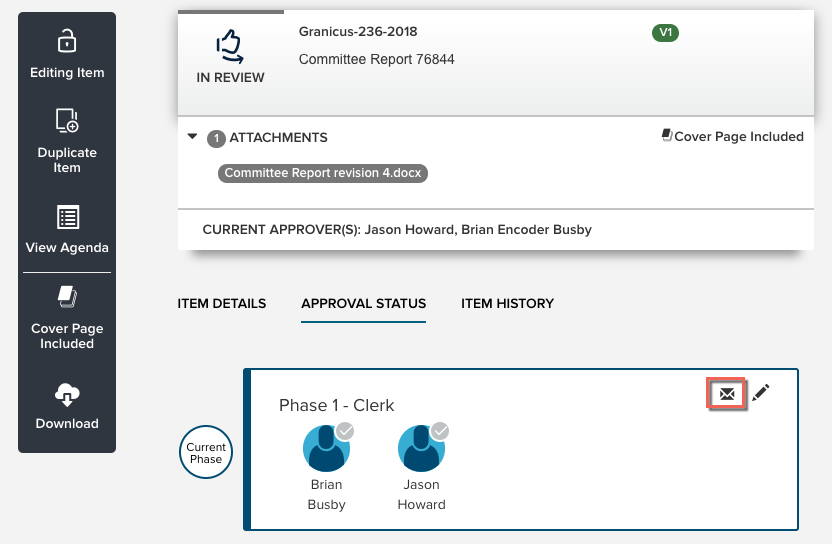
You can now send a reminder email to the assigned approver(s) of an item by clicking the
envelope icon on an in-progress approval phase, and then selecting
Remind Approver in the confirmation dialog.
Agenda Item Comment Feed Update
The comment feed on agenda items will now update in real time without requiring a page refresh. All users viewing an agenda item will see comments appear in the feed as soon as they are created. This also applies to updates to and deletions of comments. Note: This feature will not be enabled for clients on Canadian domains.


