New Features and Enhancements
In this section, you'll find updates to existing features as well as brand-new functionality.
Email Notifications
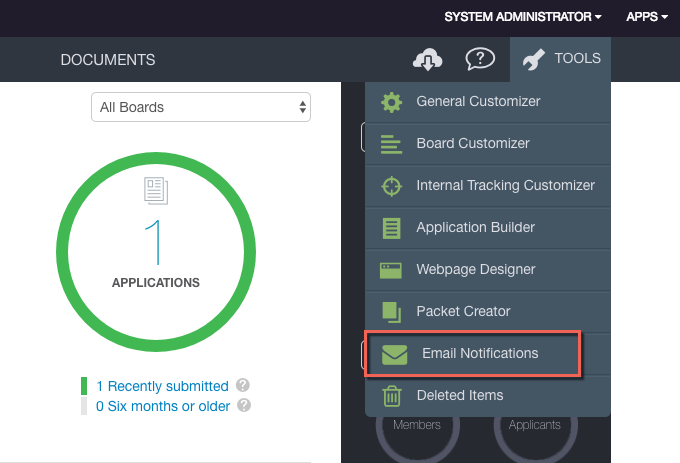
All email-related admin configuration settings are in a new, easily accessible location. You can find these settings by selecting Email Notifications from the Tools menu. The new Email Notifications page contains all email settings and templates previously found in the Application Builder. You will no longer be able to access these settings from the Application Builder.
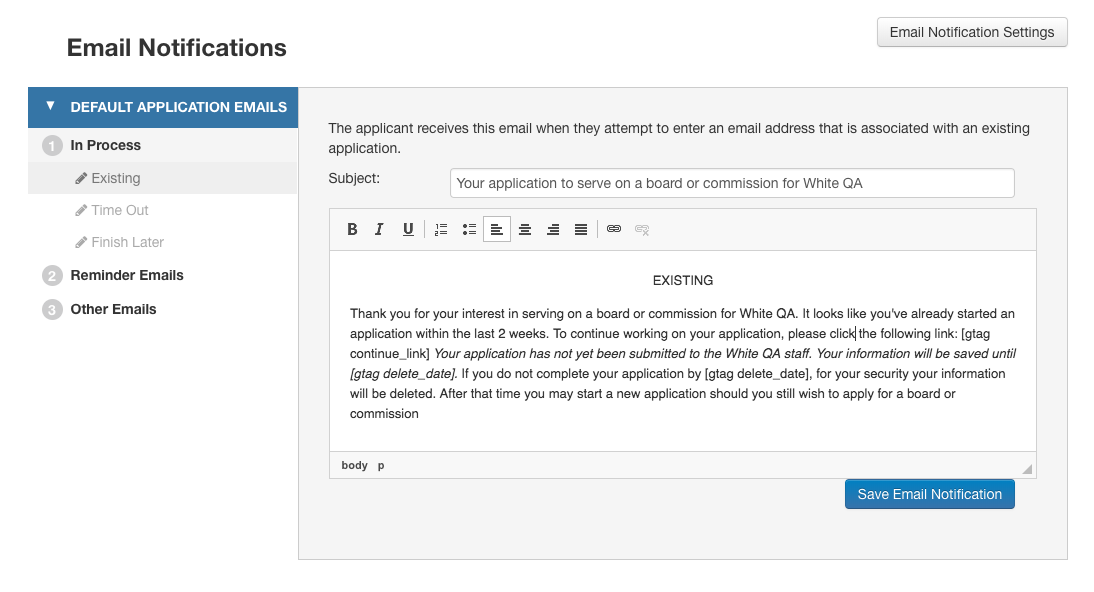
We have also added a rich text editor to the email template creator. With this editor, you can format your emails to have bold, italic, and underlined text. Text justification, bulleted and numbered lists, and hyperlinks are also available. Any changes made within the template editor will be reflected in the email sent.
Bug Fixes
- The board roster columns are no longer missing data or cut off when a user is logged in with read-only permissions. The roster now shows all the expected data properly formatted to the table.


