New Features and Enhancements
In this section, you'll find updates to existing features as well as brand-new functionality.
URL Types
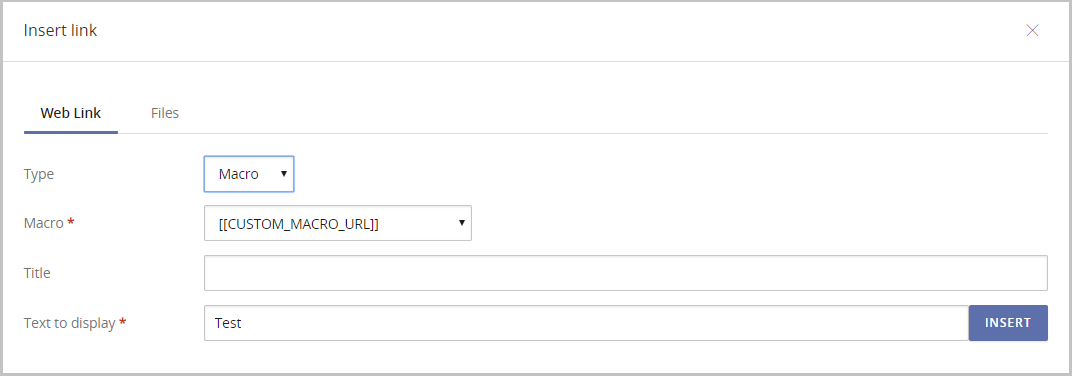
- Both "Anchor" and "Macro" are offered as URL types in the insert link drop down Type menu. The below image is what the insert link modal looks like when "Macro" is selected as the URL type:
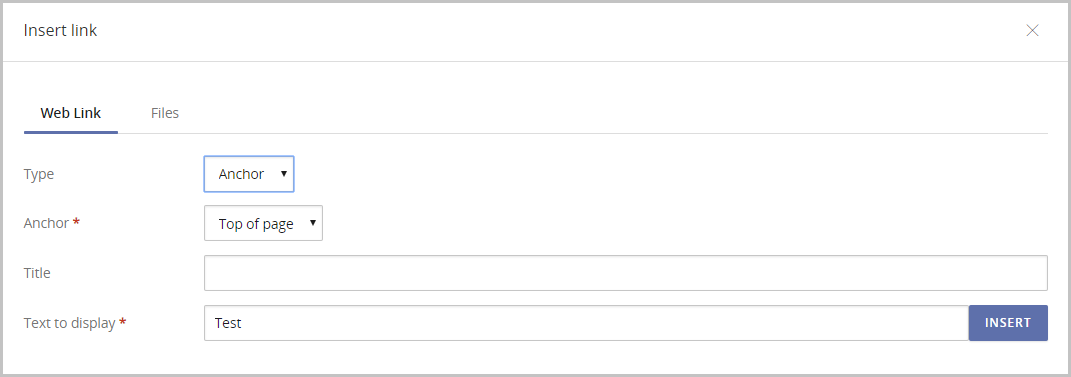
The below image is what the insert link modal looks like when "Anchor" is selected as the URL type:
Visible footer and tagline
- The footer and tagline will be visible while working in the Advanced Bulletin Editor.
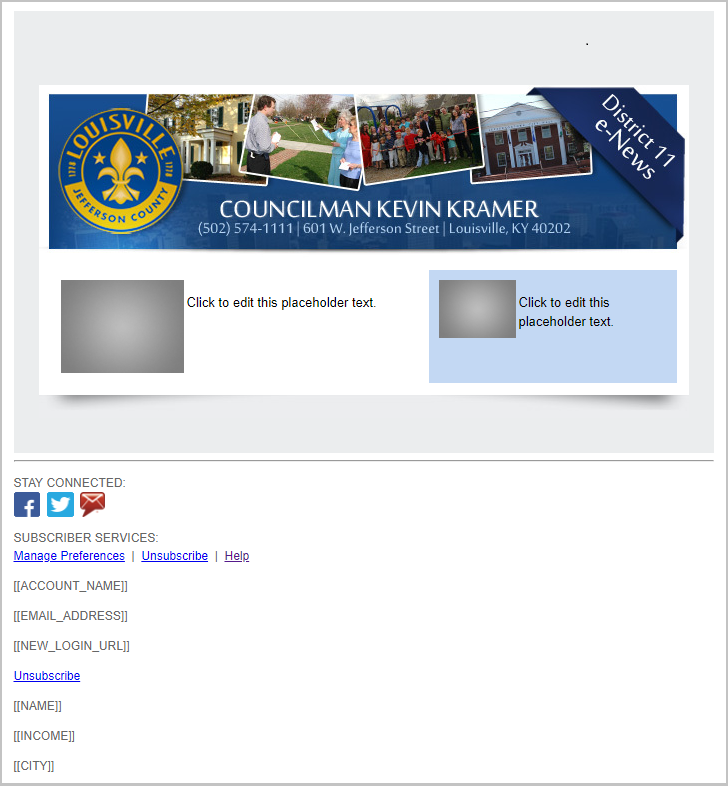
Table Button
- Table button has been added to the Advanced Bulletin Editor, allowing you to quickly and easily insert a table.
Bug Fixes
- Fix bug where text block jumps to top of bulletin when deleted.
- Fix bug where image stretches in sent bulletins.
- Fix bug when existing subscribers checked the privacy policy consent box and no check was appearing.
- Fix bug when anchor tag links did not bring user to the corresponding anchor.


