When you choose to create a new custom advanced bulletin template, you don’t have to start from a blank slate with flexible templates. govDelivery provides a starting point that makes creating your templates easier and faster: Layout-based templates.
With a layout-based template, you choose the basic structure of your bulletin and then create and fill in design elements.
In this article, you can preview the different layout-based templates to help you choose your starting point before creating a template.
Layout-Based Template Options
| 1-Column | 2-Column | 3-Column |
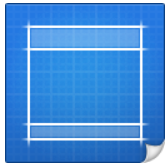
1 column, 600 px | 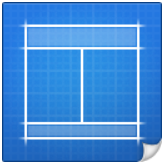
2 equal columns, 290 px each | 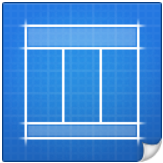
3 equal columns, 190 px each |
| | | |
| Dual Sidebar | Sidebar Left | Sidebar Right |
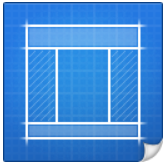
Main column: 290px; sidebars 145px | 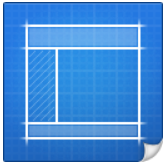
Main column 290px; sidebar: 145px | 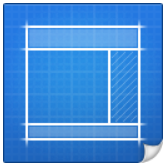
Main column: 400px; sidebar: 190px |
See Also
Using Images in an Advanced Bulletin
Best Practices for Responsive Bulletins
Ideal Image Sizes for Bulletins


